
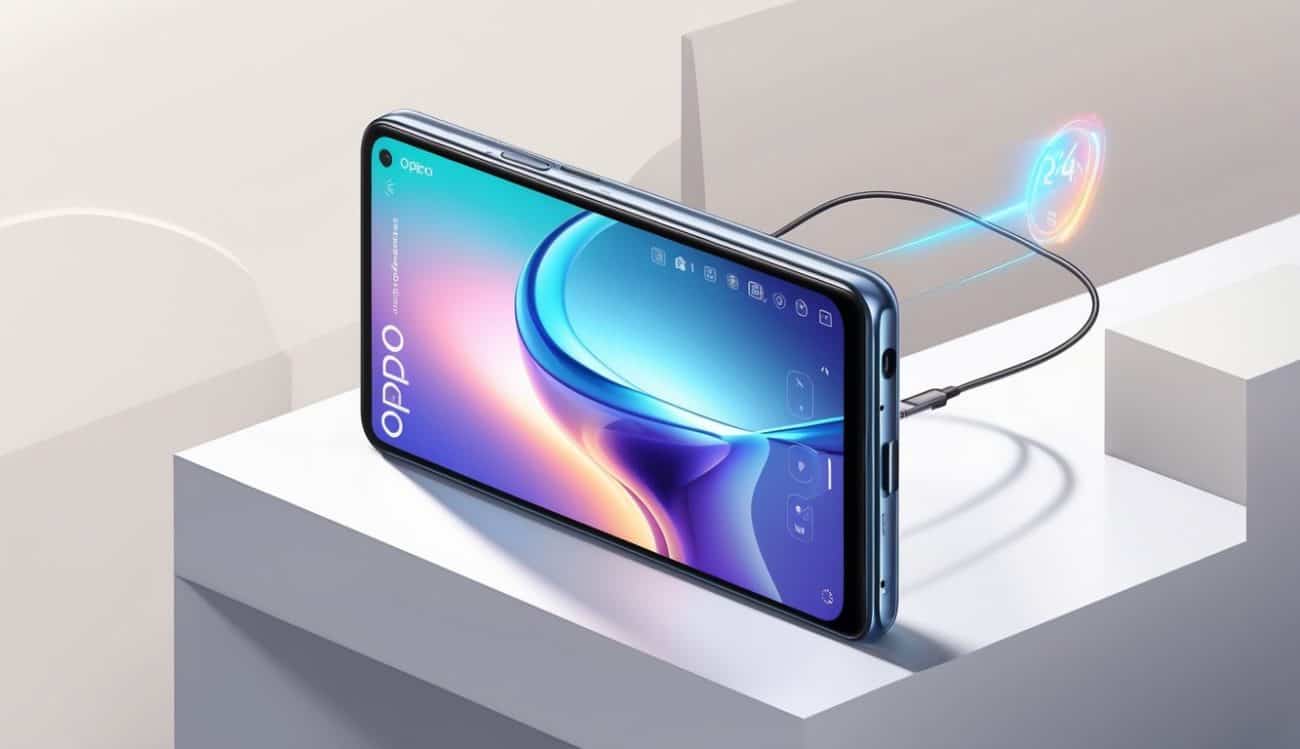
Understanding the Oppo Reno 7 Pro Features
When you choose the Oppo Reno 7 Pro, you are selecting a smartphone that combines sleek design with innovative technology. To make the most out of your device, here is a checklist to help you quickly get familiar with its key features.
Design and Display
The Oppo Reno 7 Pro sports a slim profile with a 6.55-inch AMOLED display that offers vibrant colours and sharp details. It has a smooth 90Hz refresh rate that delivers a seamless scrolling experience, making your interactions feel fluid and responsive.
Camera Capabilities
This phone is equipped with a powerful 50MP main camera supported by AI enhancements that help you capture clear and vivid photos even in low light. Its front camera is perfect for selfies, ensuring your photos come out detailed and sharp.
Performance and Battery Life
Powered by a MediaTek Dimensity chipset and 8GB RAM, the Oppo Reno 7 Pro ensures smooth multitasking and quick app launches. The 4500mAh battery is designed to keep up with your busy day and supports fast charging for minimal downtime.
Setting Up Your Oppo Reno 7 Pro for Optimal Use
Initial Setup
When you first power on your Oppo Reno 7 Pro, follow the on-screen instructions to connect to Wi-Fi, sign in with your Google account, and install essential apps. This step is crucial for syncing your data and personalising your experience.
Customising Settings
Tailor your device to suit your preferences by exploring the settings menu. Adjust display brightness, enable dark mode for eye comfort, and configure notifications so that you are not disturbed unnecessarily. If you’re concerned about data security, check our Privacy Policy for best practices.
Installing Updates
To maintain smooth performance and security, check for software updates regularly. Keeping your phone updated ensures you benefit from the latest features and security patches.
Tips to Enhance Your Experience with Oppo Reno 7 Pro
Use Built-in Features Fully
Explore the AI camera modes to elevate your photography skills. Try out features like Night Mode, Portrait Mode, and the ultra-wide lens to get creative with your shots. If you’re looking for comparisons with other Budget-friendly smartphones, research can help you understand your device’s advantages.
Maintain Your Device
Regularly clear cache and uninstall apps you no longer use to keep your phone running smoothly. Charge your phone with the official charger or reputable accessories to preserve battery health. For additional tech insights, you might want to check recommendations from Olivia – Digital Strategist in Business & Technology Marketing.
Seeking Professional Help When Needed
If you encounter technical issues or hardware problems, do not hesitate to contact authorised service centres. Websites such as cookcountyplumber.com may offer guidance on related technical services, although for smartphone-specific support, rely on Oppo’s official channels. Feel free to visit our Contact Us page for additional assistance.